PCで、microSDの中身をダウンロードする!
(↓下記ページへ)

Teach, learn, and make with the Raspberry Pi Foundation
We are a charity with the mission to enable young people to realise their full potential through the power of computing ...

www.raspberrypi.org

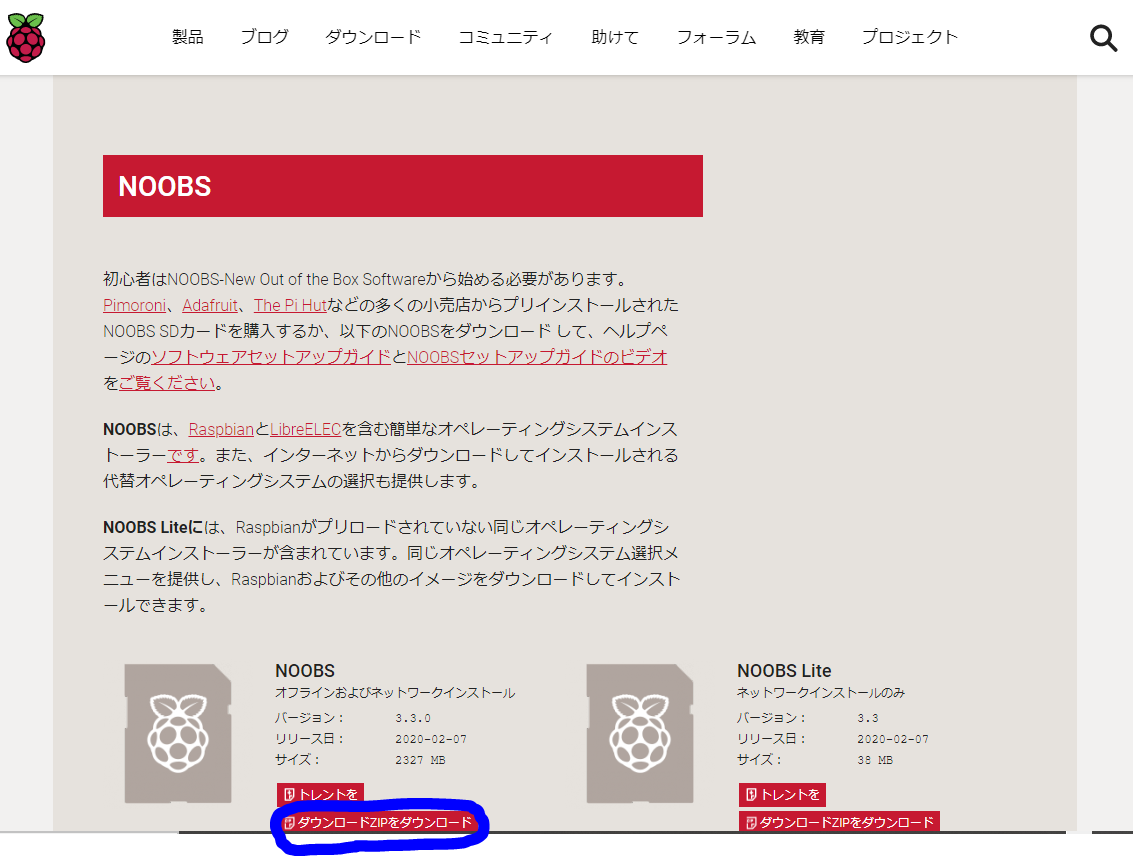
➀写真の赤丸NOOBSをクリック

②「ダウンロードzipをダウンロード」をクリック
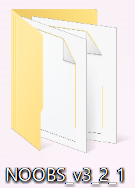
③NOOBSフォルダがPCにダウンロードされる
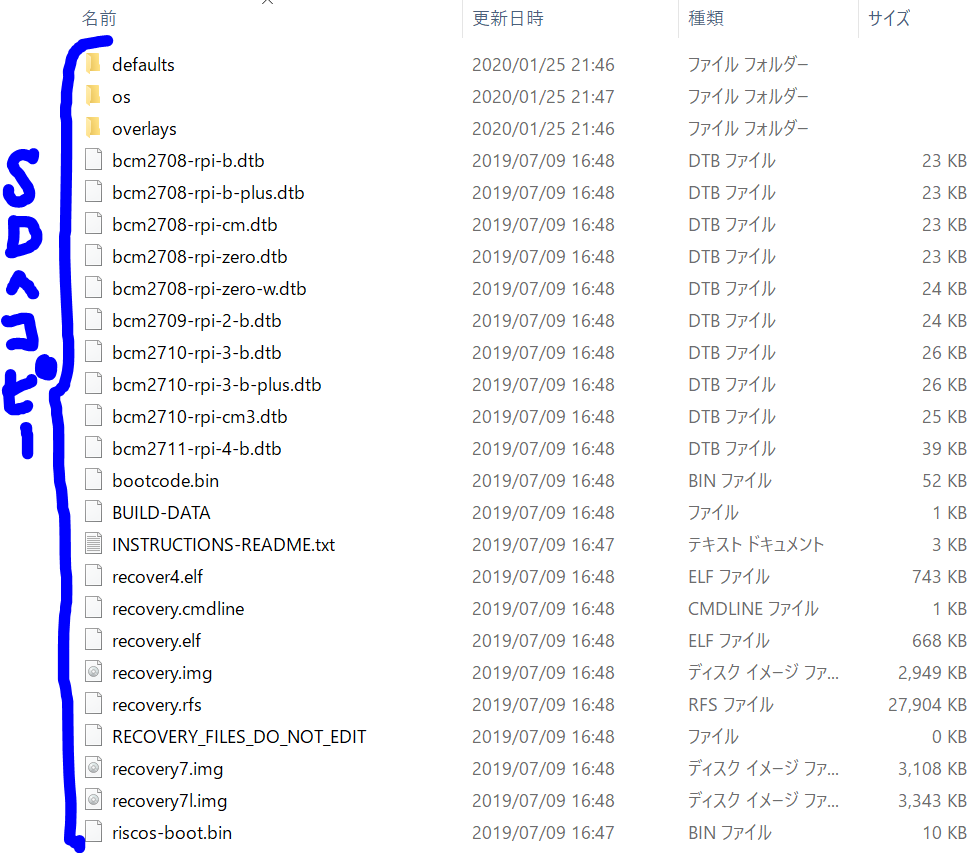
④NOOBSフォルダ内をmicroSDへコピー
⑤PCからmicroSDを抜き出しラズパイへ挿す
これで、ラズパイへ挿すmicroSDの準備が出来上がりました!
コメント